 Store Bounty
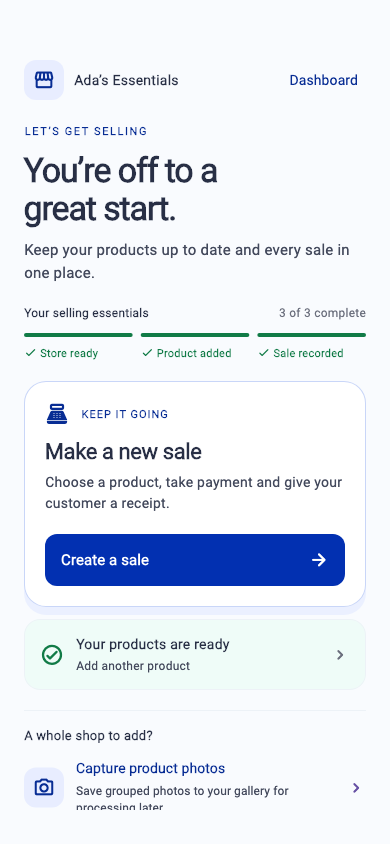
iOS & AndroidKeep the business
Keep the business
with you.
Sell, check products and follow the working day from the Store Bounty mobile app.
Download Store Bounty
Get the app for your phone or computer, or use Store Bounty in your browser.
Choose the device you want to use.
Choose a web workspaceChoose Retail or Digital. Your existing Store Bounty account is ready at the sign-in page.
Download Store Bounty
Your phone for the day in motion.
Your computer for a dedicated counter.
Sell, check products and follow the working day from the Store Bounty mobile app.

Dedicated desktop selling and printing, with Cloud or prepared offline operation.
See desktop app and setup detailsSee both official store links or use the existing device link to open the right destination.
Mobile download options ↗Check Windows and Apple-silicon Mac setup before preparing your counter.
Install Workstation ↗Keep pickup, customer contact and assigned deliveries in a separate working space.
Explore Rider ↗Retail and Digital both have a web workspace. Mobile and desktop capabilities depend on the work and the setup. Use Workstation for a dedicated retail counter and ask the team about the features your operation needs.
The current Mac package is for Apple Silicon (M1 or later). Review the installation page before downloading.
Use your existing Store Bounty account in the mobile app or at admin.storebounty.com for the web workspace.