 Store Bounty
01 / Free QR Code Hosting
Tell customers what the QR code opens
Use a clear label such as “Scan to see our menu” beside the code.
See the setup steps
Free QR Code Hosting
Use free QR code hosting for a menu, product page or online shop that customers can open on their phones.
01 / Free QR Code Hosting
Use a clear label such as “Scan to see our menu” beside the code.
See the setup steps02 / Free QR Code Hosting
Let customers scan the code and view the menu in their browser.
See the setup steps
03 / Free QR Code Hosting
Check that the right page opens and the code scans at the size you plan to print.
Ask us about setup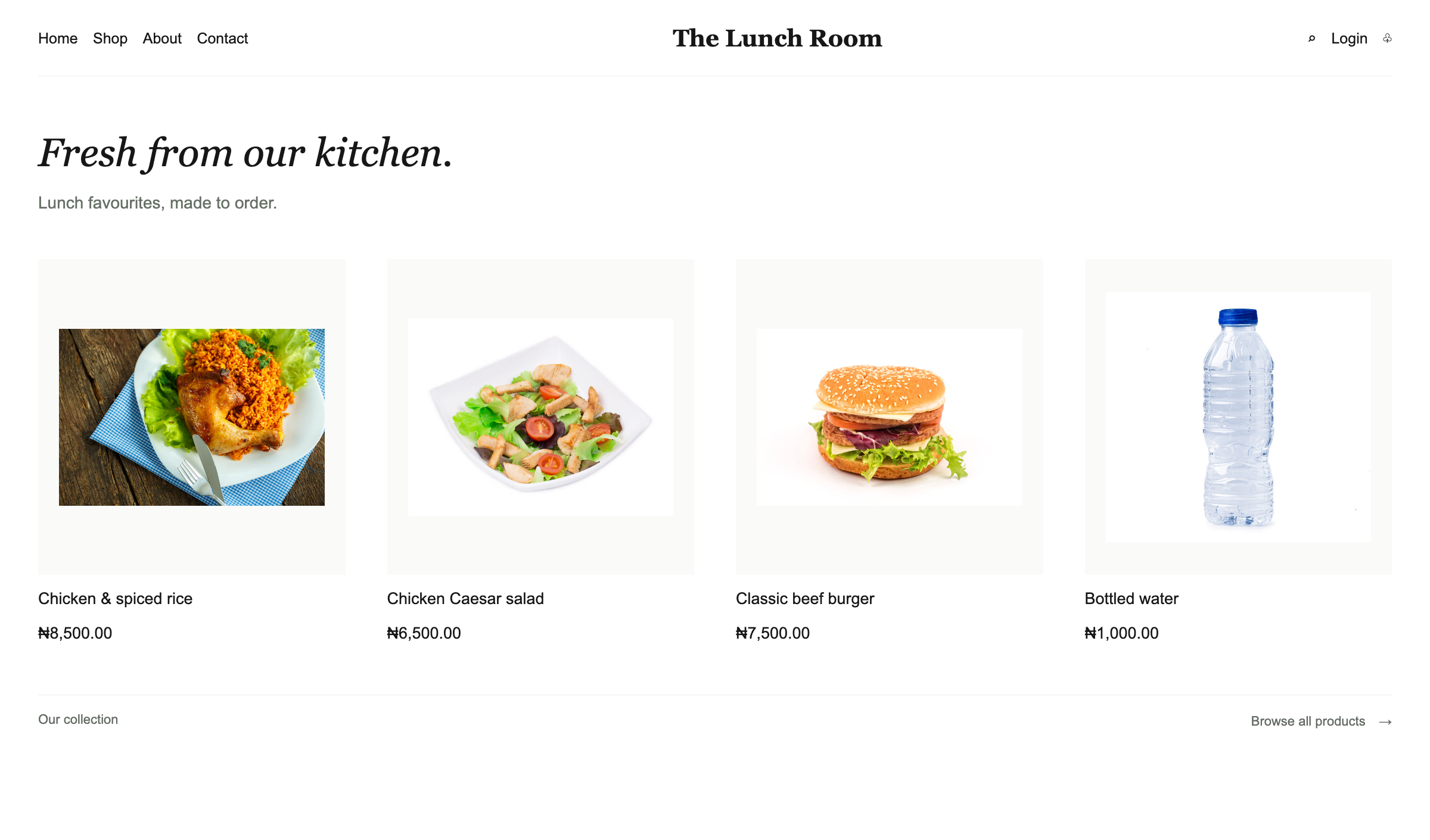
No. A standard phone camera can open the destination in a browser.
Open the link on a phone, check the destination and test the printed code at the size and distance customers will use.
Tell us what you sell, how many stores you have and which phones, computers or printers you use. We’ll help you choose a setup.
Keep exploring


