 Store Bounty
01 / Point of sale
Find products and complete the sale
Scan a barcode or search by name. Add the items, check the price and record the customer’s payment.
See the setup steps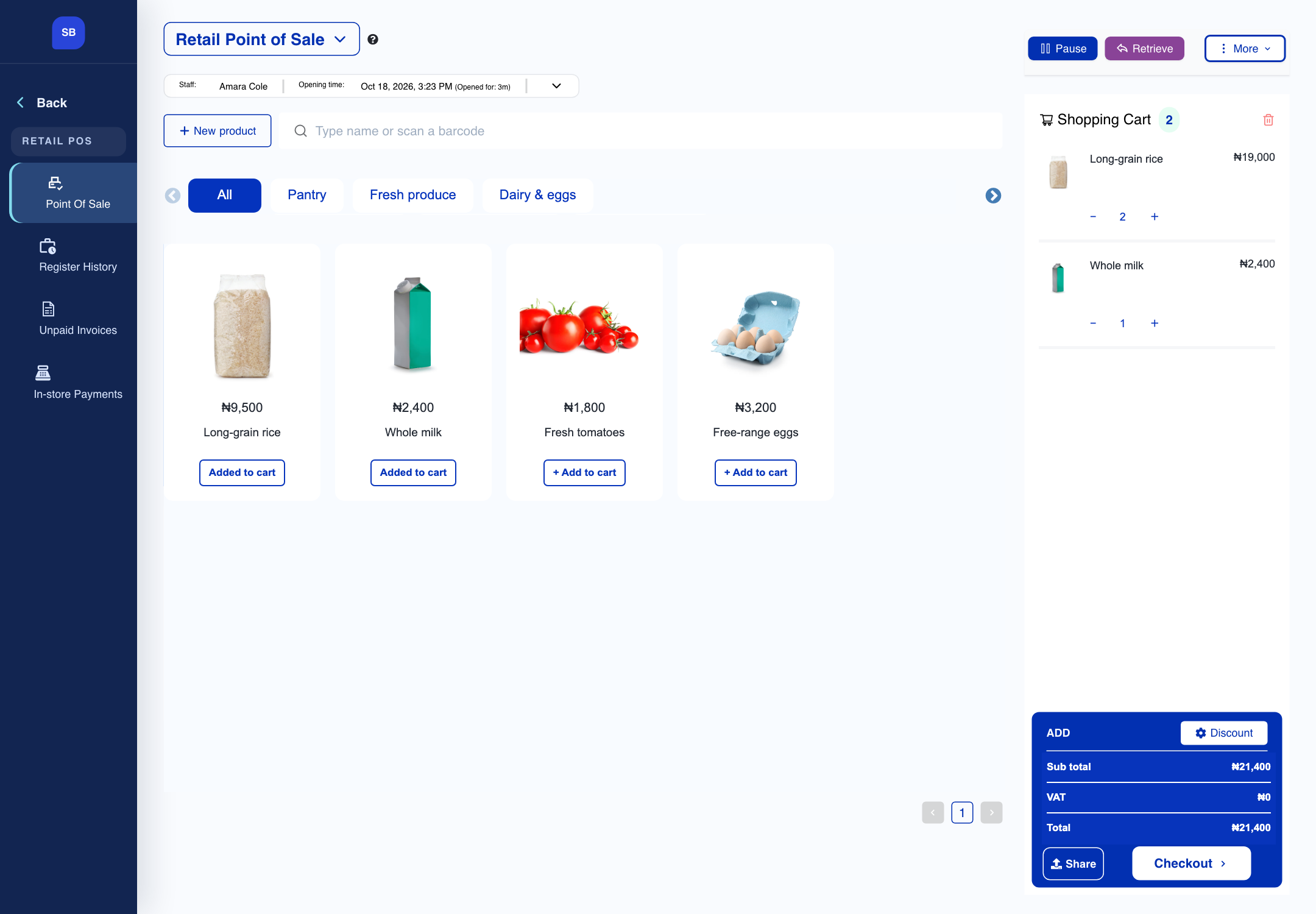
Point of sale
Find products, add them to the sale and record payment. Give customers a receipt and keep a record for later.

01 / Point of sale
Scan a barcode or search by name. Add the items, check the price and record the customer’s payment.
See the setup steps02 / Point of sale
Give cashiers and managers their own logins, with access that matches their jobs.
See the setup steps03 / Point of sale
Find the items, customer details and recorded payments from a previous sale.
Ask us about setup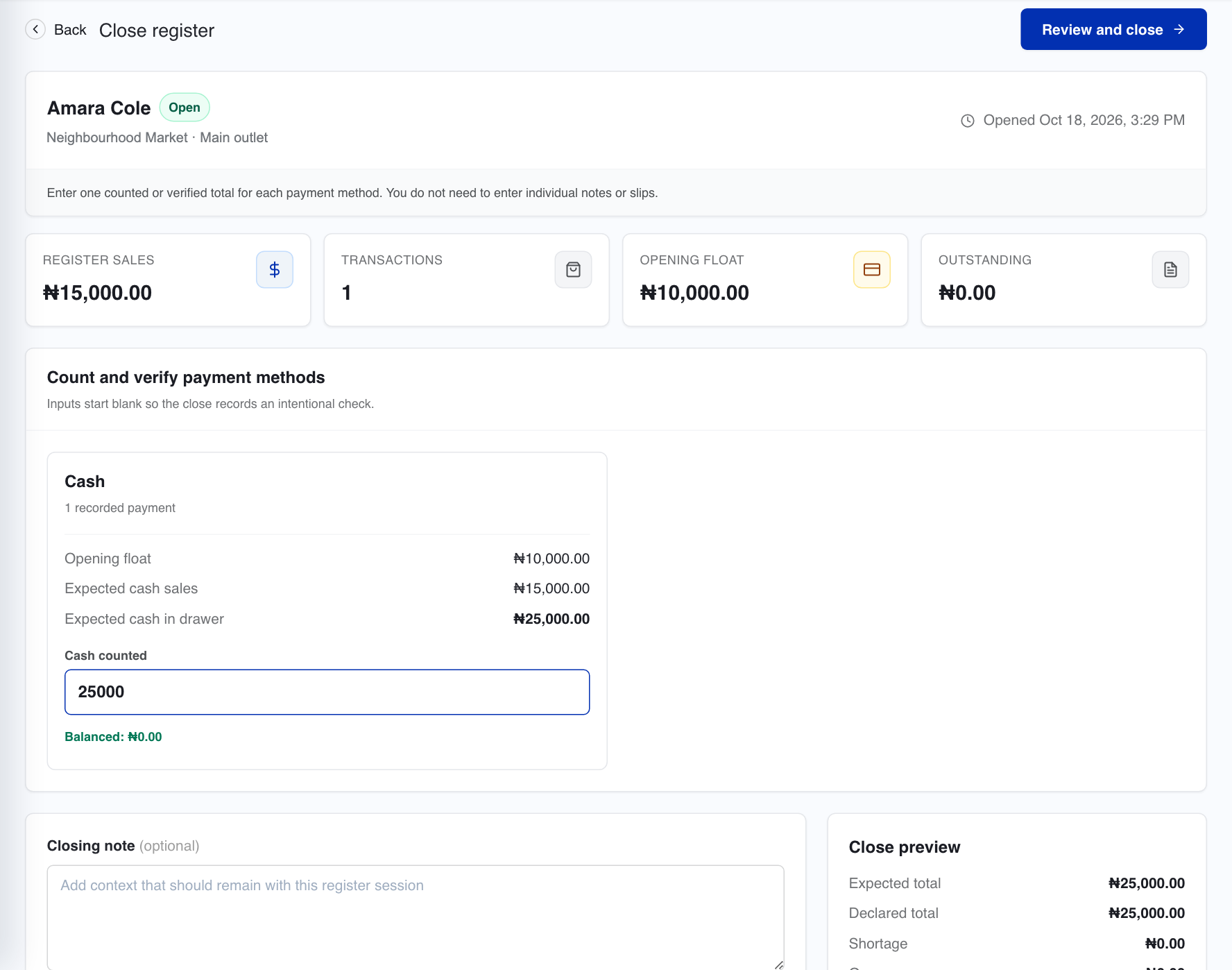
Find products by name or barcode, keep the selected items in the cart and record the sale against the right register. Product details, the price and the customer record stay close to checkout.
Sales history gives the team a place to look up an order, its items and recorded payments. Invoices, receipt settings, configured taxes and charges, discounts and returns belong to that working record.
Use the web or mobile app for selling, or prepare Workstation and a compatible receipt printer for a dedicated counter. Check the scanner, printer and operating mode before a busy day.
Store Bounty is the retail software used to build and record sales. Your payment terminal and payment arrangements are separate.
There are web, mobile and desktop surfaces. Choose the arrangement that suits the counter and the rest of your team.
Tell us what you sell, how many stores you have and which phones, computers or printers you use. We’ll help you choose a setup.
Keep exploring


