 Store Bounty
01 / Grocery & wholesale
Scan items and record the sale
Find products by barcode or name, add them to the sale and record payment.
See the setup steps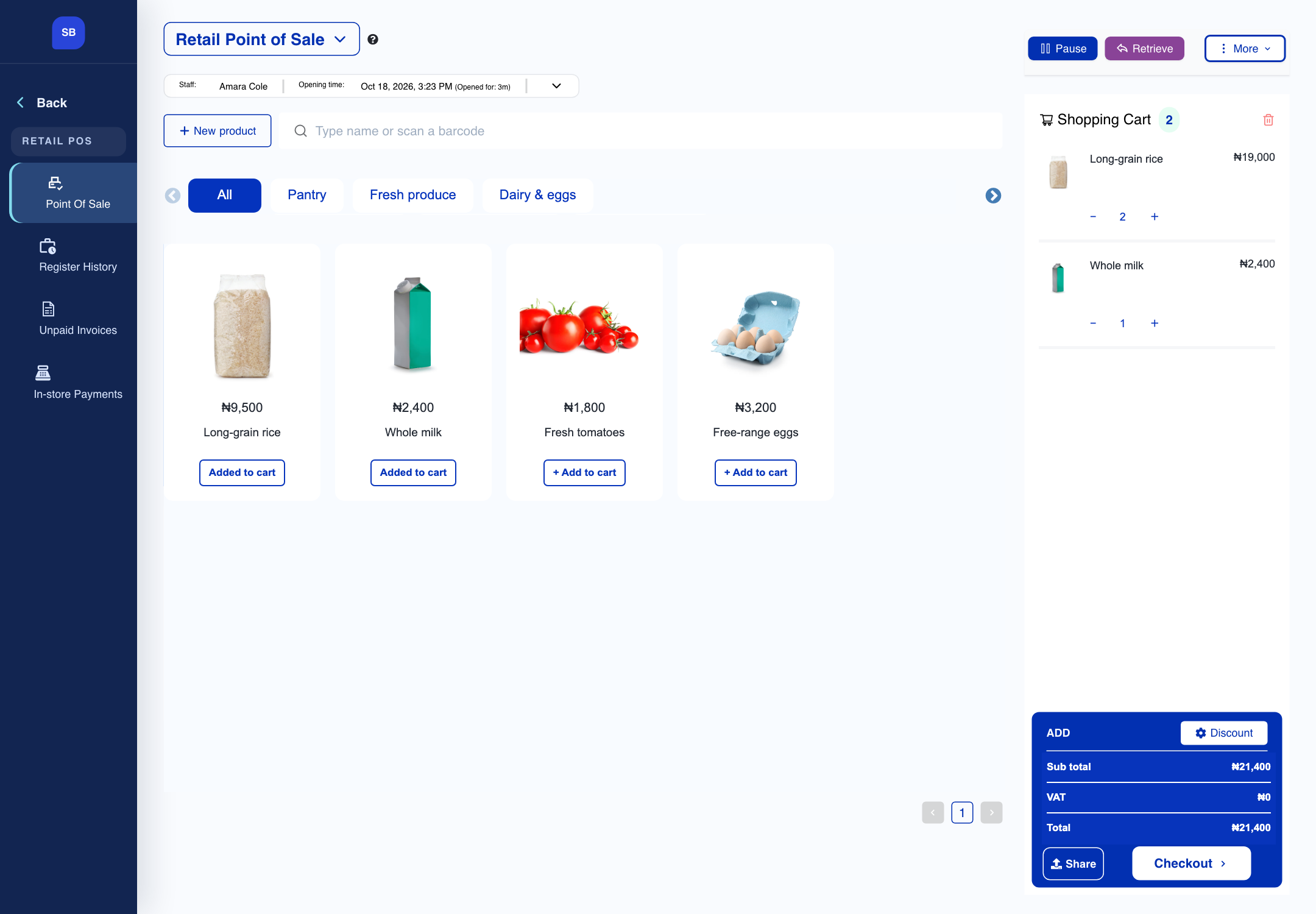
Grocery and wholesale
Scan products, record sales and track incoming stock. Keep purchase quantities and costs with your stock records.

01 / Grocery & wholesale
Find products by barcode or name, add them to the sale and record payment.
See the setup steps02 / Grocery & wholesale
Enter quantities and purchase costs so you can check what was received and what it cost.
See the setup steps
03 / Grocery & wholesale
Review sales and stock at each shop or warehouse as your business grows.
Ask us about setup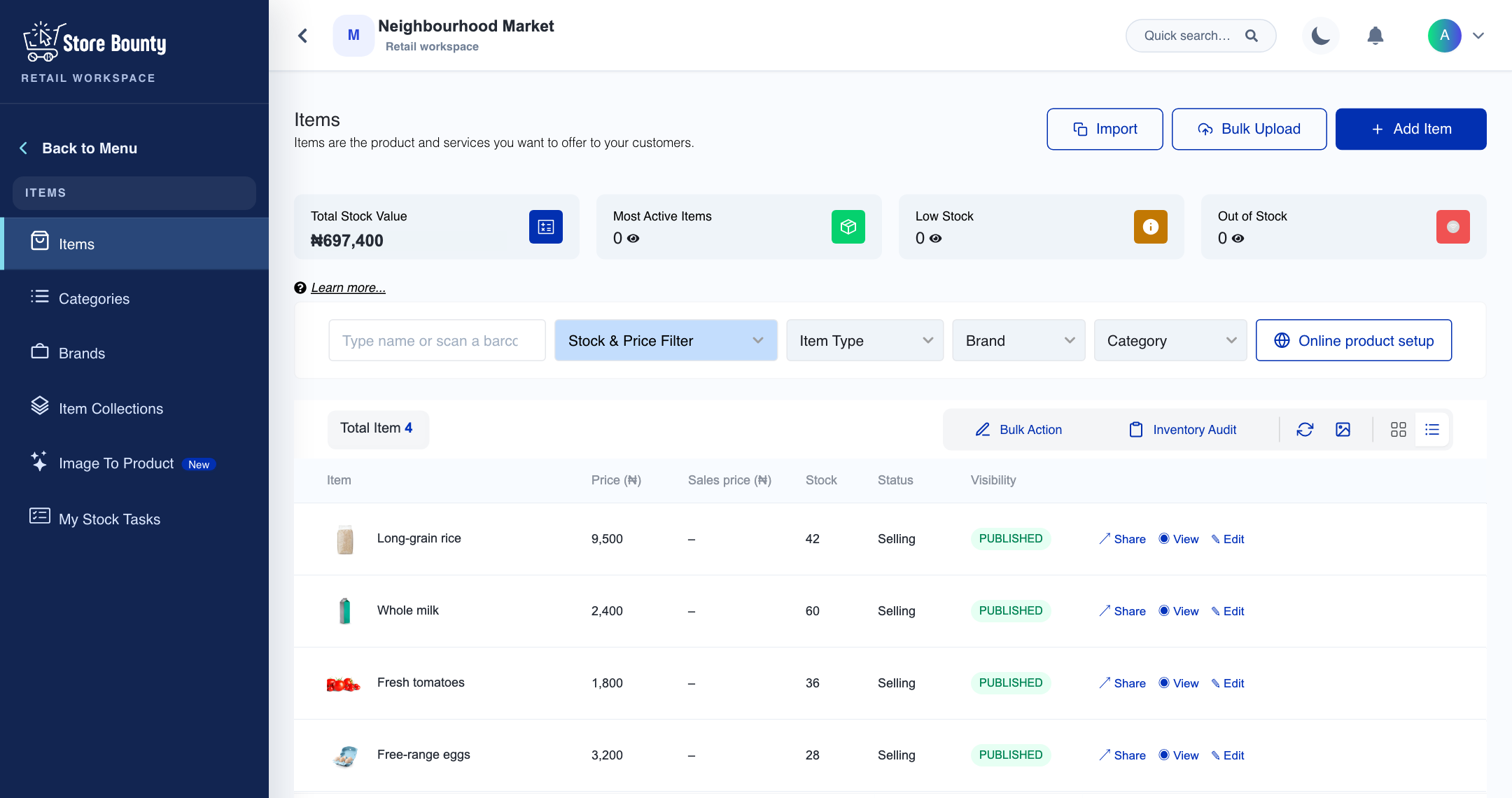
Plan the initial import and catalogue structure with the Store Bounty team. You can also add and label products in stages.
Yes. Store Bounty Workstation provides a dedicated desktop surface. The setup guide helps you choose the right operating mode and printing arrangement.
Tell us what you sell, how many stores you have and which phones, computers or printers you use. We’ll help you choose a setup.
Keep exploring


