Open the connected business.
Sign in with your Store Bounty account and work with the retail operation connected across web, mobile and desktop surfaces.
Store Bounty Desktop
Give sustained retail work a focused desktop home—from daily selling and receipts to the local tools the counter depends on.
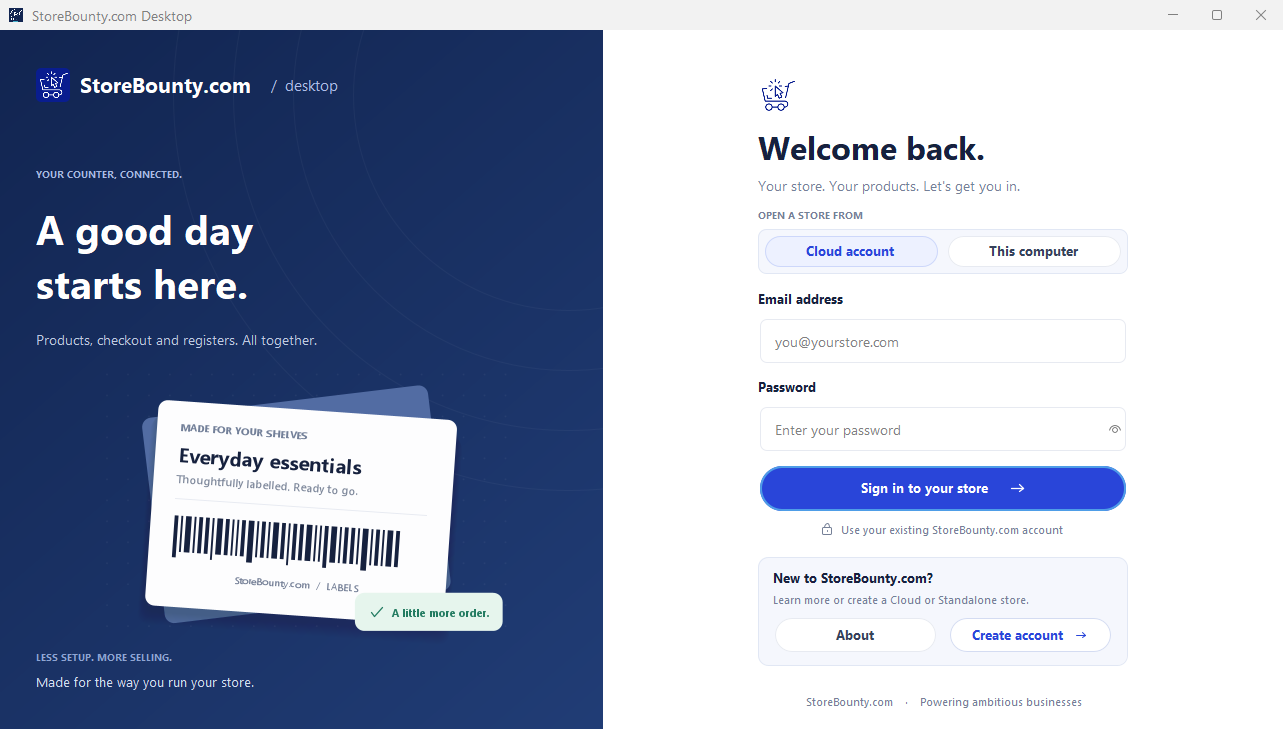 Store Bounty Desktop sign-in
01 Focused counter workspace
02 Cloud mode
03 Standalone mode
04 Local printing support
Choose the operating mode
Desktop provides two deliberate entry points. Choose the one that matches how the counter needs to work—not a vague promise that every setup behaves the same way.
Sign in with your Store Bounty account and work with the retail operation connected across web, mobile and desktop surfaces.
Use the desktop’s standalone workspace for day-to-day retail operations designed to live on that computer.
Purpose-built for counter work
Keep daily selling and transaction activity close to the person operating the counter.
Support the operating context around registers and staff responsibilities.
Use desktop and local printing capabilities as part of the retail setup, with compatible hardware.
Work with products, categories and customer information without leaving the retail workspace.
Use supported local media and monitoring capabilities where the operating setup calls for them.
Configure the desktop experience around the way that computer is used in the business.
Before installation
Receipt printers and other connected devices differ. Confirm compatibility and choose Cloud or Standalone deliberately before rolling a workstation into daily use.
Cloud and Standalone modesA workstation should make the counter calmer—not add another tab to manage.
Give the retail team a dedicated operating surface.
Choose the installer for this workstation, then confirm printer and hardware compatibility before rollout.