 Store Bounty
01 / Inventory & purchasing
Keep your product list organised
Add product names, images, barcodes, sizes and colours so staff can find the right item.
See the setup steps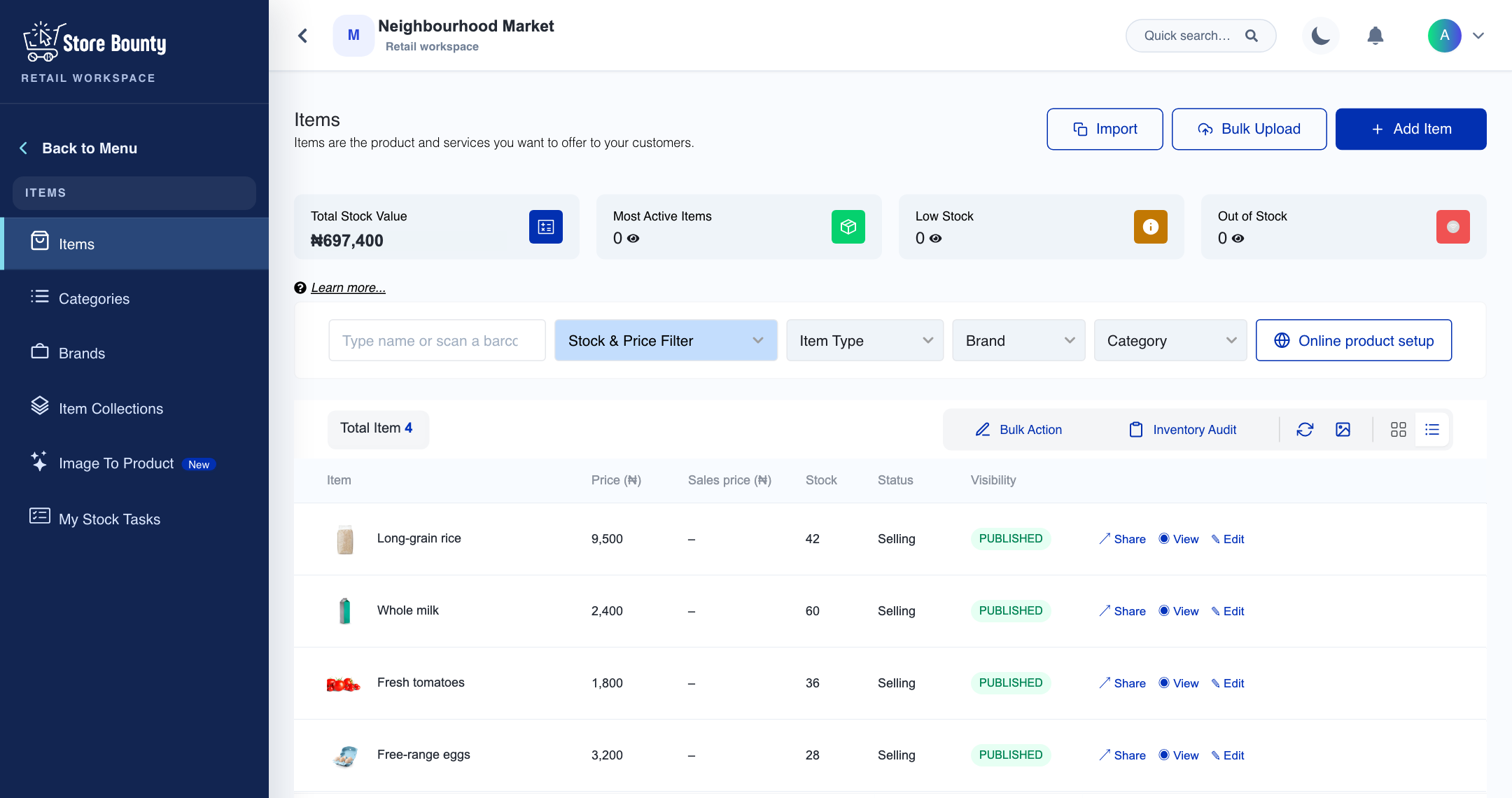
Stock and purchases
Keep your products, stock levels, suppliers and purchase costs in one place. Track stock at your shops and warehouses.

01 / Inventory & purchasing
Add product names, images, barcodes, sizes and colours so staff can find the right item.
See the setup steps02 / Inventory & purchasing
Enter the quantity received and the purchase cost when goods arrive.
See the setup steps03 / Inventory & purchasing
Use Barcode Printing to label products and find them by barcode when selling.
Ask us about setup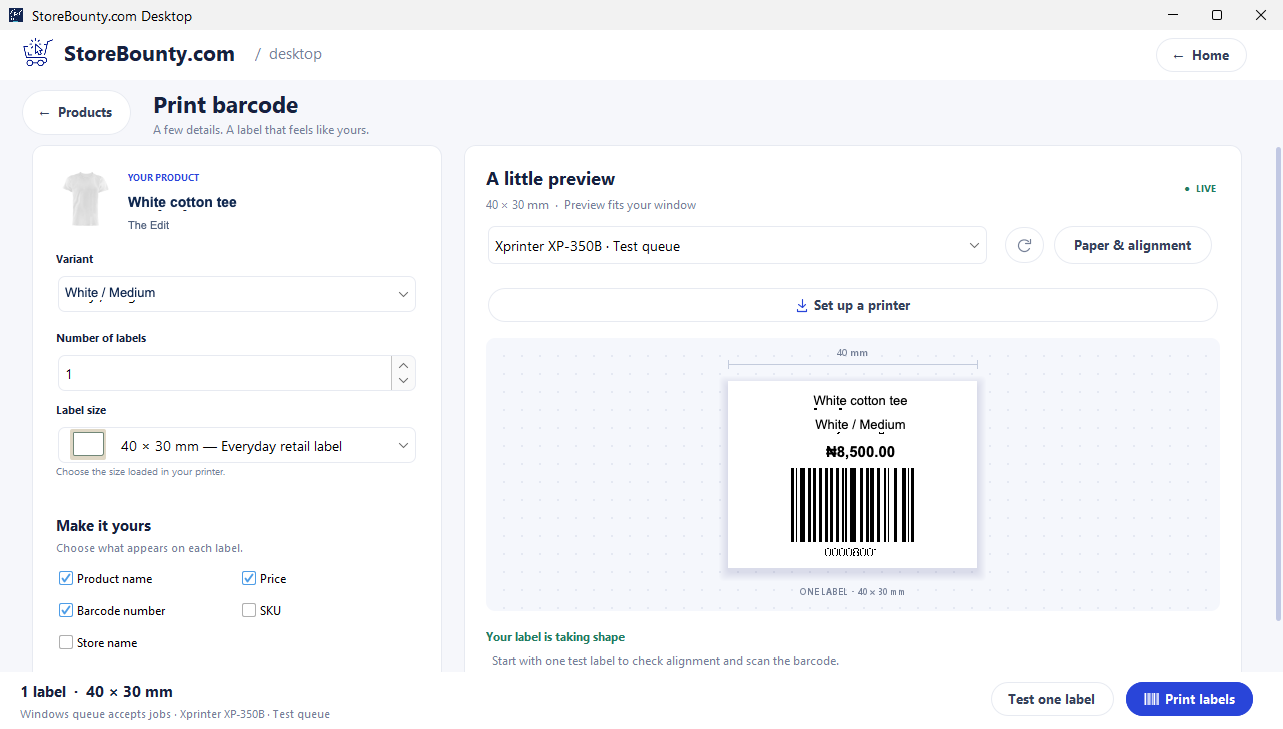
Organise products with categories, collections, brands, barcodes and relevant variants. Use the media library for product images. For a larger catalogue, mobile photo capture groups each product's front, barcode and extra angles for later AI-assisted image-to-product processing.
Use suppliers, stock receiving, purchase history and stock payments to keep the purchasing record close to the goods. Record quantities and purchase costs when the stock arrives.
Review stock levels, expiry tracking where configured and stock movement between the outlets and warehouses you manage. Keep receiving and transfer records connected to the locations involved.
You can begin with a useful selection of products and expand in stages. For a large catalogue, plan the import and product structure before going live.
Store Bounty supports multi-location operations. Discuss your store and warehouse structure during onboarding so the setup matches the business.
Tell us what you sell, how many stores you have and which phones, computers or printers you use. We’ll help you choose a setup.
Keep exploring


