 Store Bounty


iOS & Android
Store Bounty for iPhone and Android
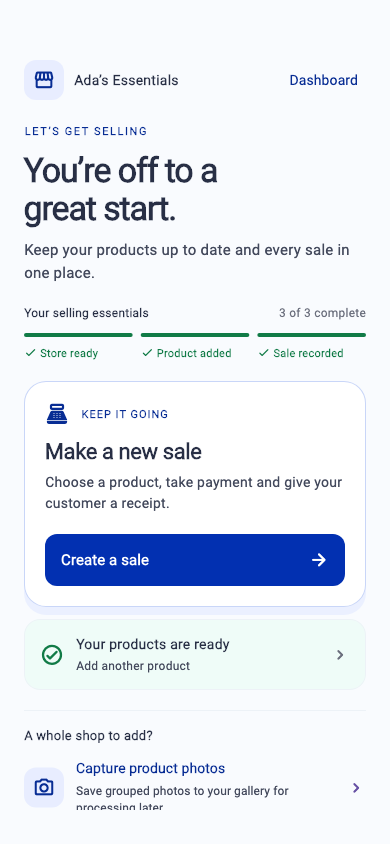
Record sales and check products from your phone.
Store Bounty for retail businesses
Record sales, track stock and manage staff across your stores and warehouses—from your phone or computer.

Check sales, stock and staff records from your phone or computer. Keep track of one location or many stores and warehouses.
See how Store Bounty can help your shop, pharmacy, restaurant, café or bar.

Scan a barcode or search for a product. Add the items and record payment.
See how to record sales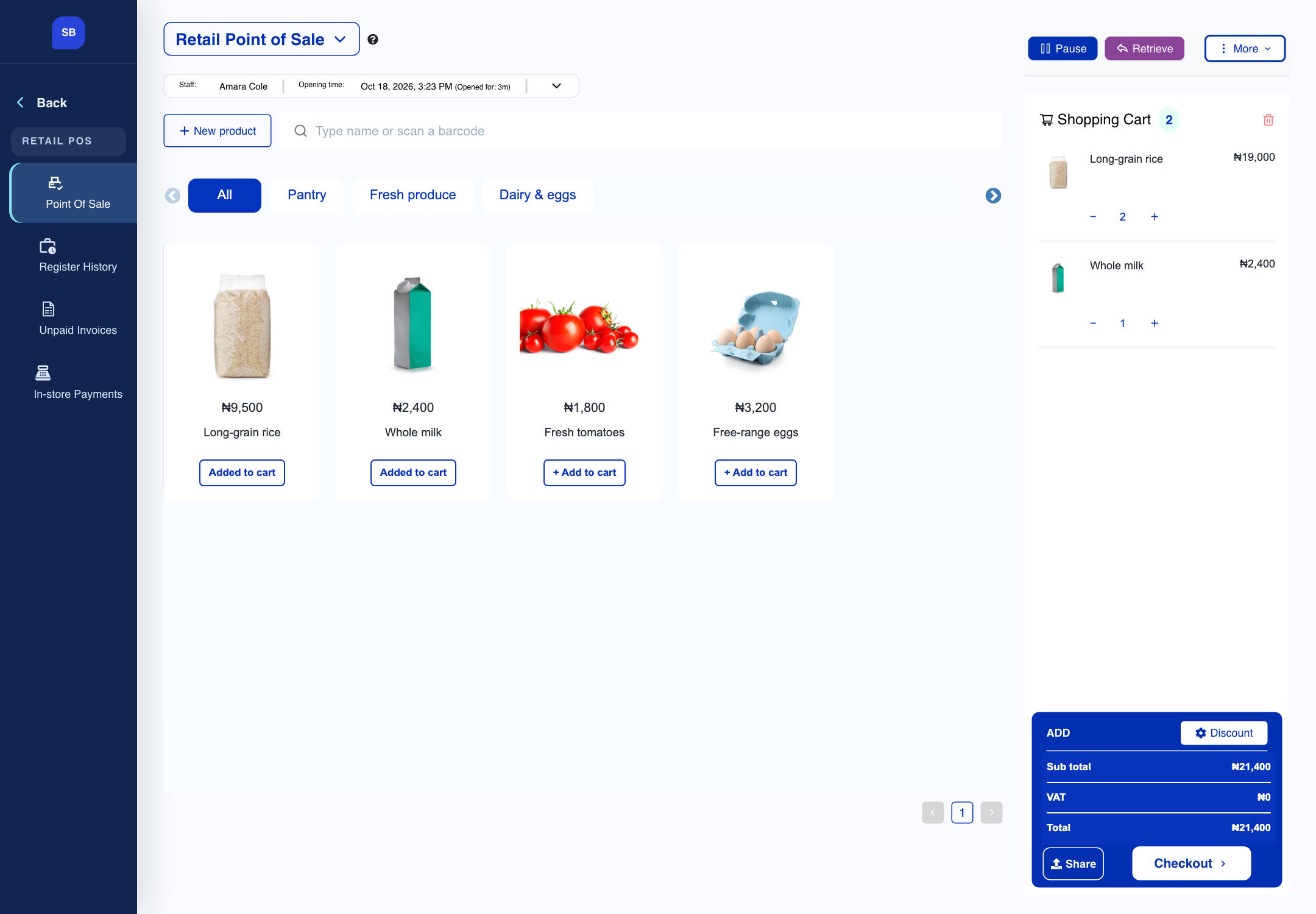
Download Store Bounty
Download the mobile app or use the desktop app at your sales counter.
Record sales and check products from your phone.
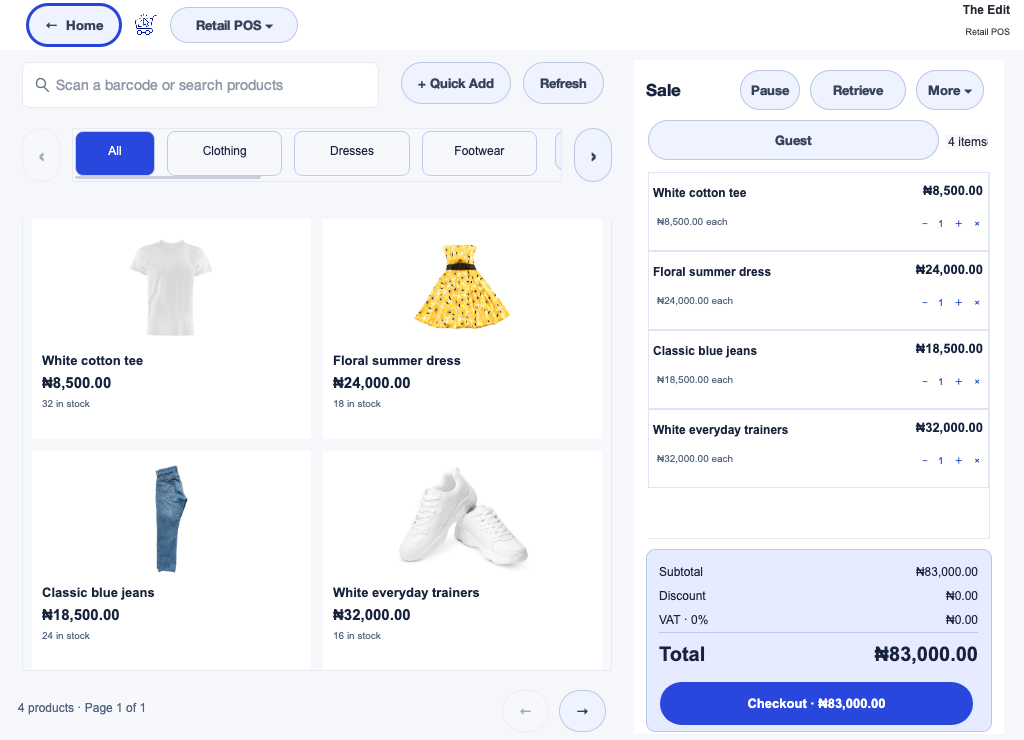
Record sales and print receipts. Set up offline mode in advance if your business needs it.
See desktop app and setup detailsPrint barcode labels, review CCTV footage, manage deliveries and share QR codes.
Record sales, manage products and print receipts. Set up offline mode in advance if your business needs it.
See the desktop appDownload for Windows or Mac ↓Business owners
Owner interviews and a look inside six businesses across Nigeria.
Customer video
Hear from business owners and see the stores, restaurants and other businesses featured in the film.
English captions included

Surulere, Lagos

Surulere, Lagos

Anthony Village, Lagos

Sangotedo, Lagos

Abuja

Lagos

Check each location’s sales and stock. Give staff the access they need to keep the work going.
See how to track stockCreate your store, add your products and record your first sale. The setup guide explains how to choose your phone or computer and invite staff.
Yes. Tell us how many products and locations you have, which devices you use and what records you need to move.
Yes. Use Store Bounty in your browser, on your phone or in the desktop app. Riders use the separate Store Bounty Rider app.
The desktop app has an offline mode that needs setting up in advance. Ask us how to prepare the computer, products and sales records before using it.


