 Store Bounty
01 / Teams & registers
Choose what each staff member can do
Let staff use the parts of Store Bounty they need for their jobs.
See the setup steps
Staff and registers
Give staff their own logins. Compare recorded sales with the cash, card slips and transfer totals they declare when closing the register.
01 / Teams & registers
Let staff use the parts of Store Bounty they need for their jobs.
See the setup steps02 / Teams & registers
Count cash, add up card slips and check transfers. Compare those amounts with the register’s recorded totals.
See the setup steps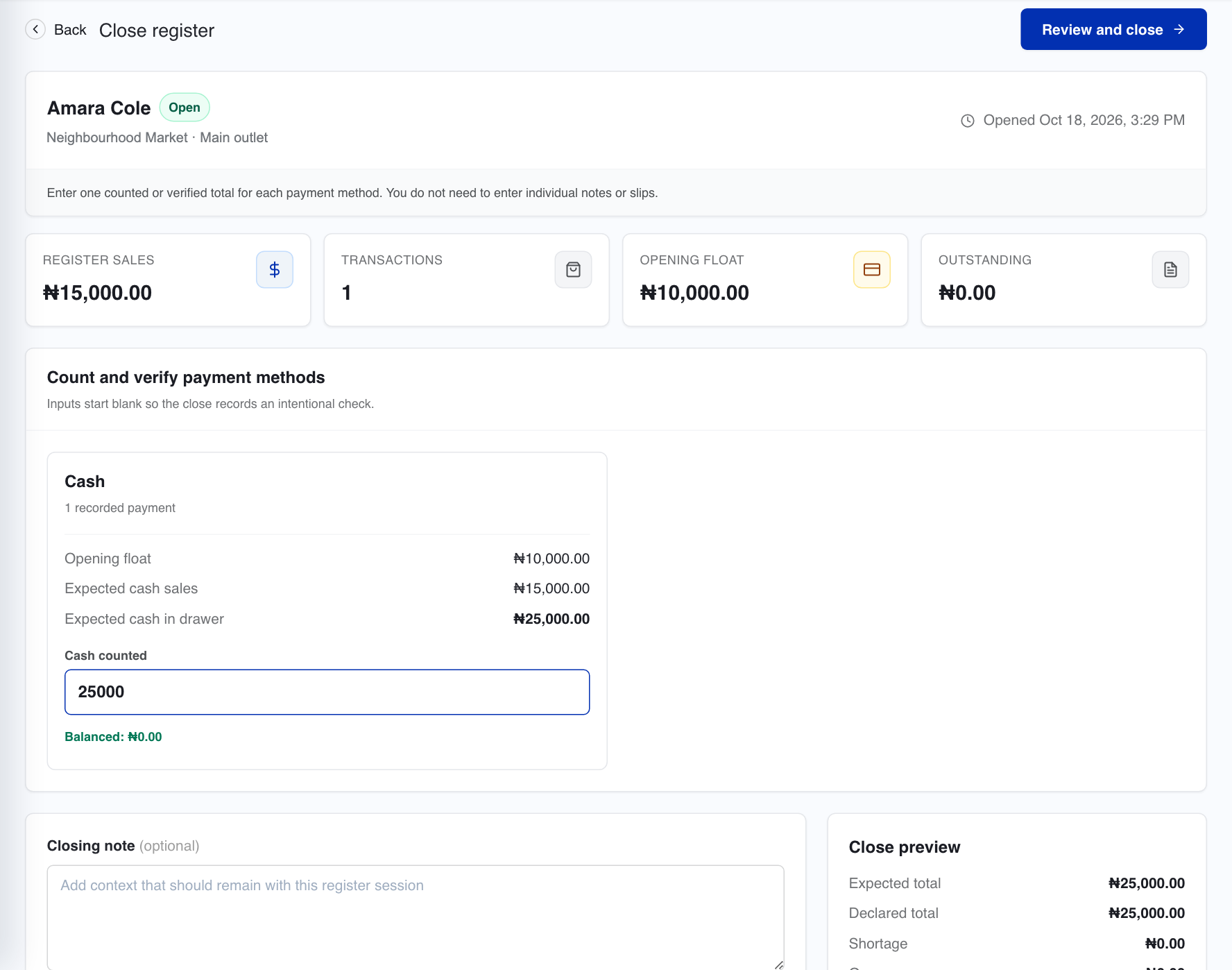
03 / Teams & registers
See who used the register, what they declared and any differences that need checking.
Ask us about setup
Invite staff, assign their role and grant the permissions their work needs. The catalogue, checkout, purchasing and other operating areas can be separated by responsibility.
Open a register for the operator, record sales during that session and close it with declared payment totals. Cash can be counted and card or transfer slips checked against the day's records.
Register history and reconciliation records help management review declared and expected amounts. Review sessions by operator and reporting period.
A register session records accountability around the register. It should not be treated as a complete attendance or payroll record.
Yes. Staff access is configurable so people can use the parts of Store Bounty required for their role.
Tell us what you sell, how many stores you have and which phones, computers or printers you use. We’ll help you choose a setup.
Keep exploring


