 Store Bounty
01 / Online selling
Choose which products appear online
Add clear photos, prices and descriptions. Show the products you want customers to buy.
See the setup steps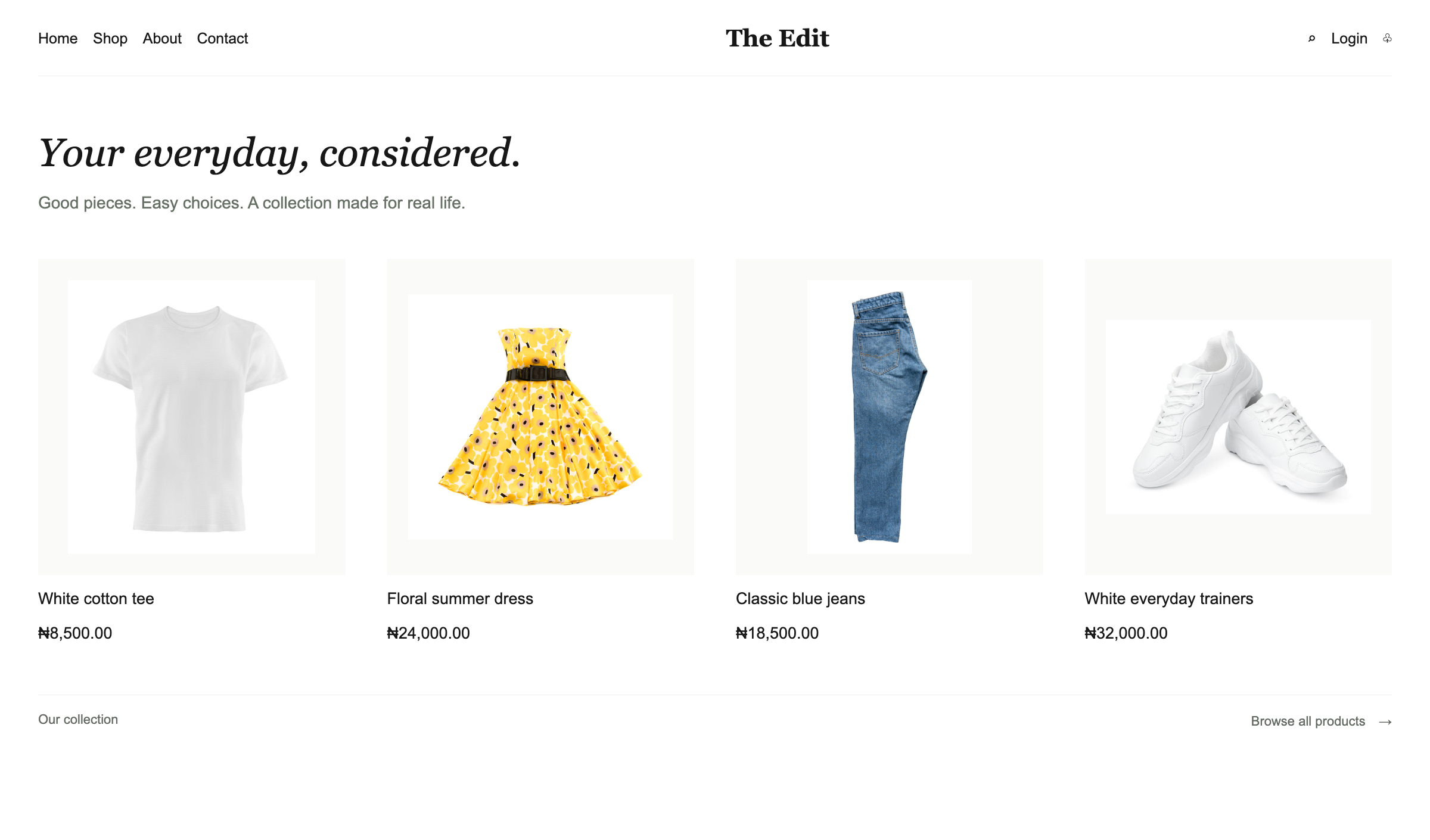
Online shop
Choose the products customers can see, add buying options and take online orders from your Store Bounty product list.

01 / Online selling
Add clear photos, prices and descriptions. Show the products you want customers to buy.
See the setup steps02 / Online selling
Set the choices a customer must make and any extras they can add before checkout.
See the setup steps
03 / Online selling
Give staff the information they need to prepare each order. Assign a rider when the order needs delivery.
Ask us about setup
Online product setup controls visibility and buying options. Required selections, add-ons and recommended products help a customer choose the right combination before checkout.
Configure the online shop, payment integrations, sales channels and logistics around the orders you can fulfil. Give the team clear pickup or delivery information and follow the order through its sales record.
Use your store link or a QR destination to help customers reach the right shop or menu. Keep the destination current and test it on a phone before printing a batch of codes.
Start from your Store Bounty catalogue and control which products appear online.
Yes. Share your storefront link and use QR Hosting when a scan-to-open entry point is useful.
Tell us what you sell, how many stores you have and which phones, computers or printers you use. We’ll help you choose a setup.
Keep exploring


