 Store Bounty
01 / Restaurants
Keep track of each table’s orders
Use table orders to see what has been ordered and what staff need to do next.
See the setup steps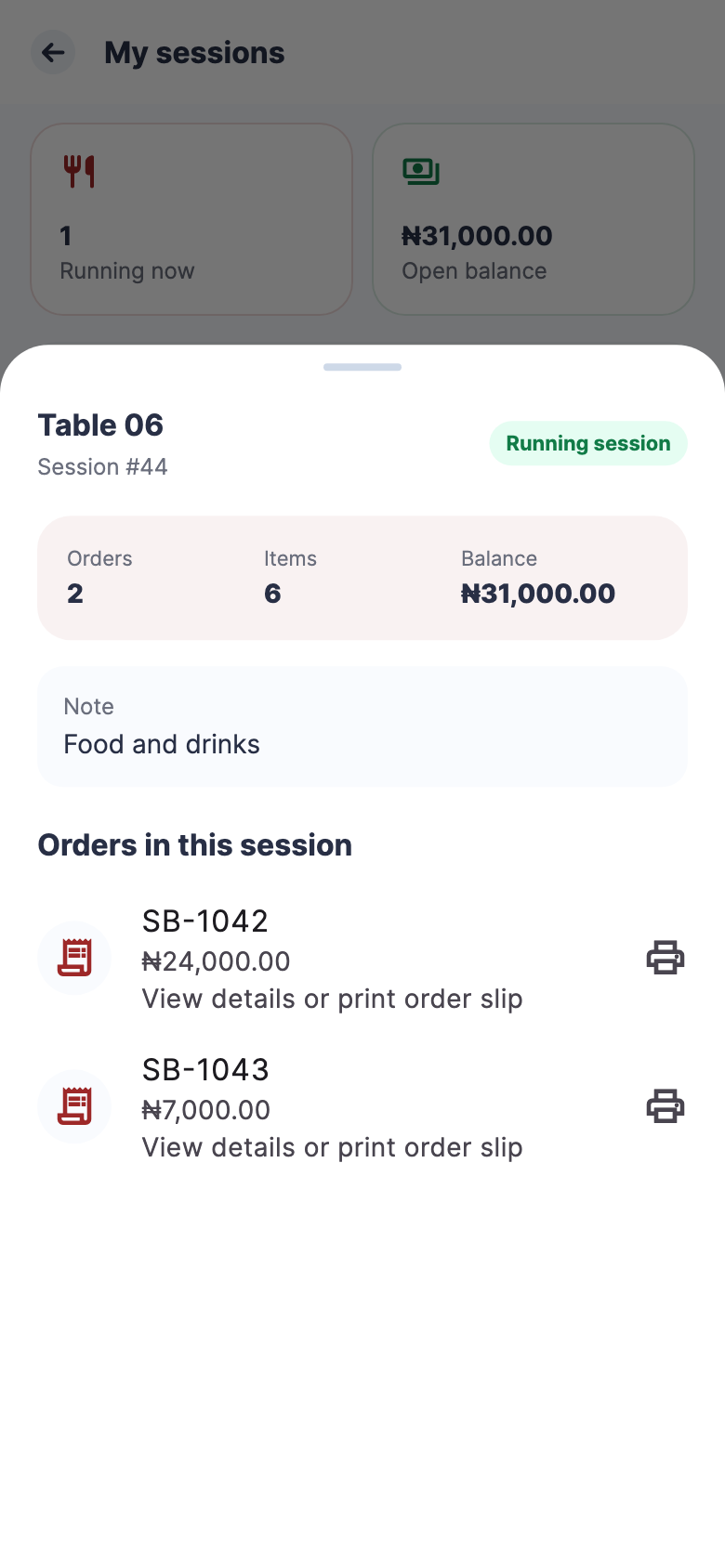
Restaurants
Keep menu items, table orders and payments organised so staff can follow each order and check sales at closing time.

01 / Restaurants
Use table orders to see what has been ordered and what staff need to do next.
See the setup steps02 / Restaurants
Share your online menu with a link or a QR code at the table.
See the setup steps
03 / Restaurants
Review the day’s sales and compare register totals with the amounts staff declare.
Ask us about setup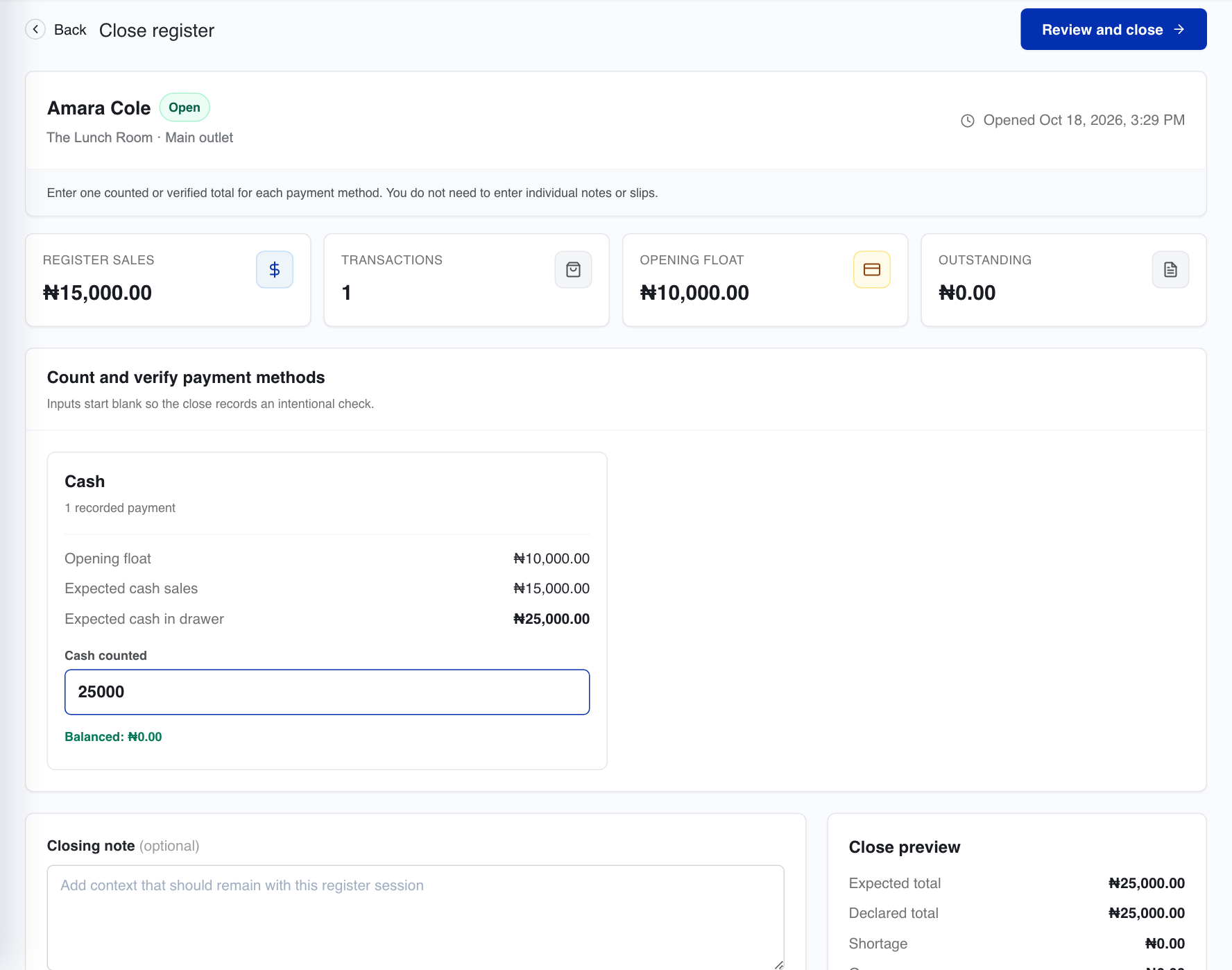
Store Bounty includes dining and table-order workflows. Review your service model during setup so the right workspace is enabled.
Discuss counter, takeaway and delivery channels during onboarding. Rider provides a separate delivery surface for the people carrying assigned orders.
Tell us what you sell, how many stores you have and which phones, computers or printers you use. We’ll help you choose a setup.
Keep exploring


