 Store Bounty
01 / Pharmacies
Find products by name or barcode
Help staff look up the right product at the counter.
See the setup steps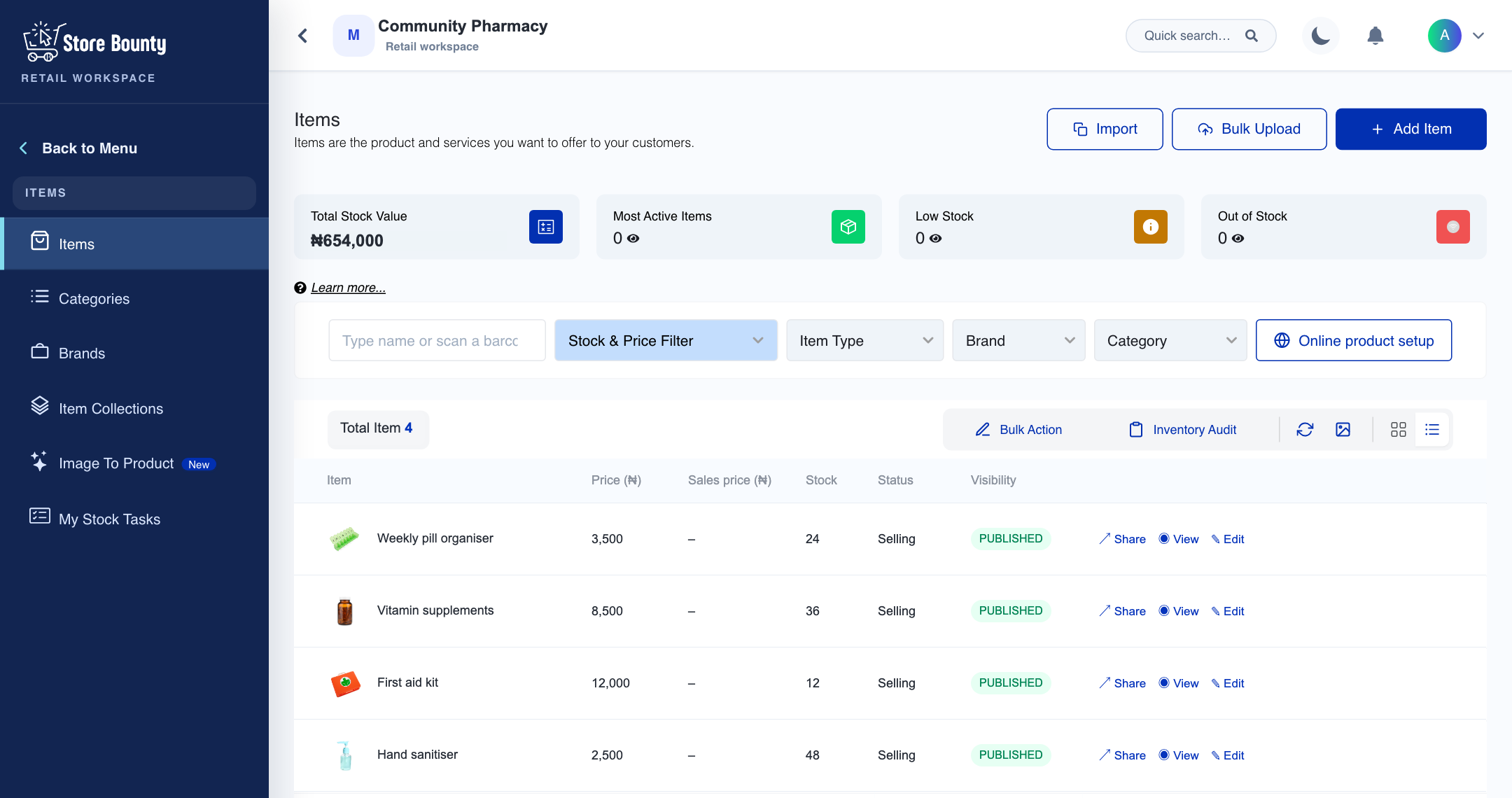
Pharmacies
Find products by name or barcode, record sales and check stock levels before buying more.

01 / Pharmacies
Help staff look up the right product at the counter.
See the setup steps02 / Pharmacies
Review what you have and record new stock when it arrives.
See the setup steps03 / Pharmacies
Give staff their own access and check the amounts declared when a register closes.
Ask us about setup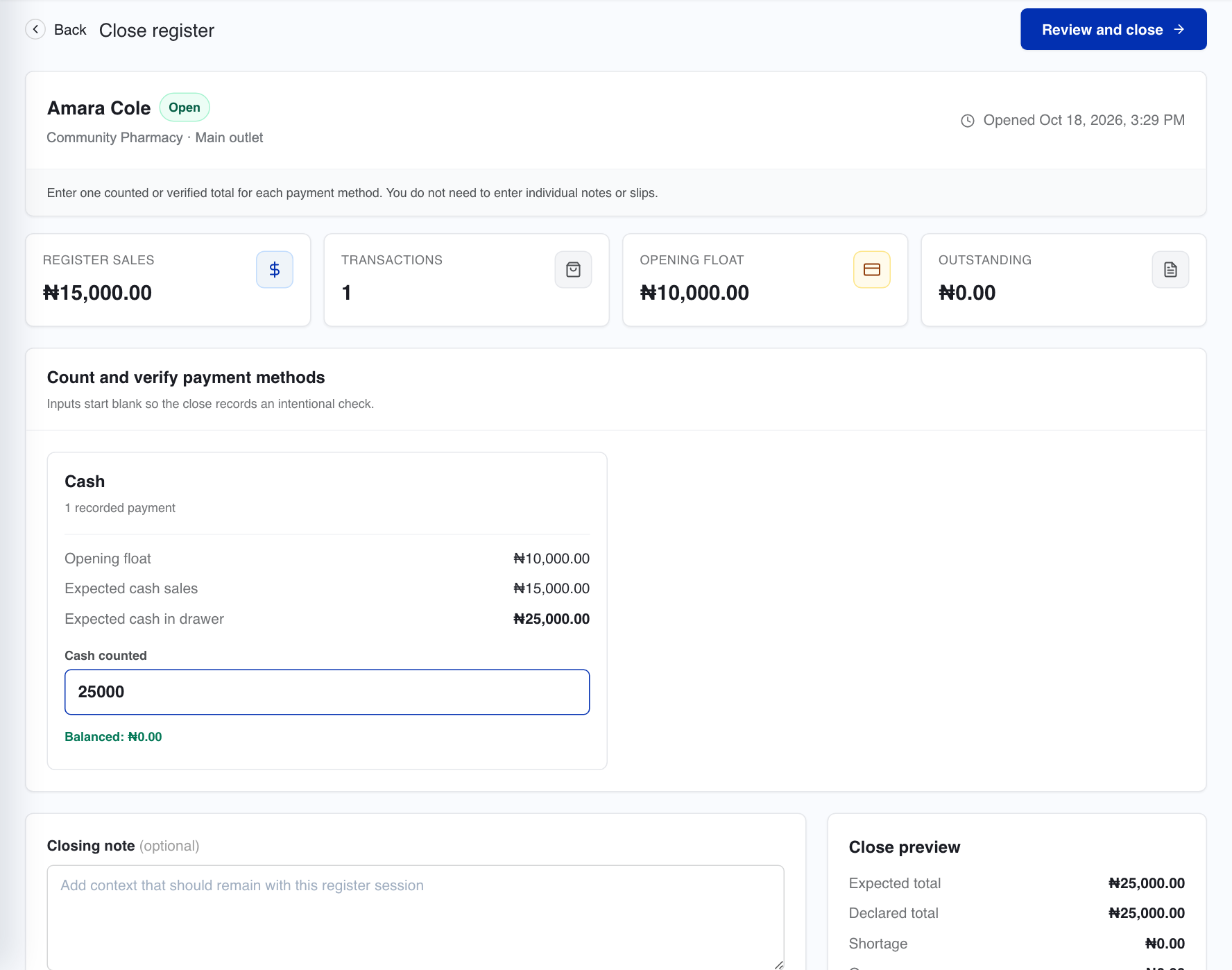
Store Bounty supports retail operations. Clinical decisions and regulatory responsibilities remain with the pharmacy.
Yes. Product lookup and barcode workflows are part of the retail experience. Check scanner and printer compatibility during setup.
Tell us what you sell, how many stores you have and which phones, computers or printers you use. We’ll help you choose a setup.
Keep exploring


